I wanted a portfolio that was easy to update without touching layout code every time I ship a new project or blog post. Astro’s content collections fit that model: each entry is a Markdown file with typed frontmatter, and the build turns it into pages automatically.
Start with structure, not pixels
Before worrying about the lilac arcade theme, I split content from presentation:
- Projects live in
src/content/projects/— case studies with teasers, tags, and optional live URLs. - Blog posts live in
src/content/blog/— same idea, with dates and descriptions for the listing page.
At build time, getCollection() loads every file, validates frontmatter against a schema in content.config.ts, and generates routes like /work/fidabona/ and /blog/building-a-content-first-portfolio/.
That means adding a post is usually: create a .md file, drop images in public/, run npm run build.
Images in the body
The card image at the top of a post comes from frontmatter (image:). Inline images are normal Markdown — handy for walkthroughs and before/after shots.
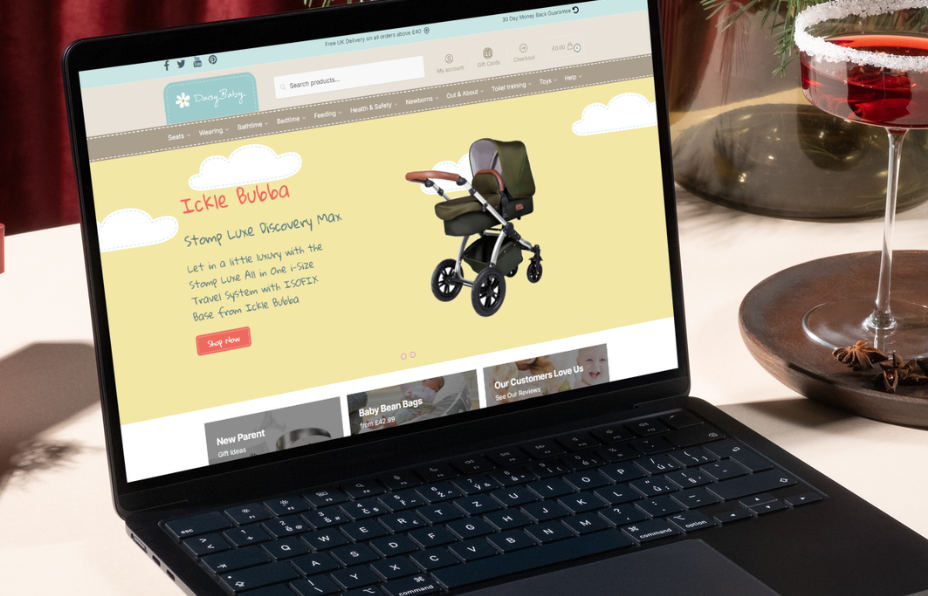
Here’s a real project screenshot dropped mid-article:

You can keep writing between images. The global .prose styles add a pixel border and shadow so figures match the rest of the site without extra HTML.
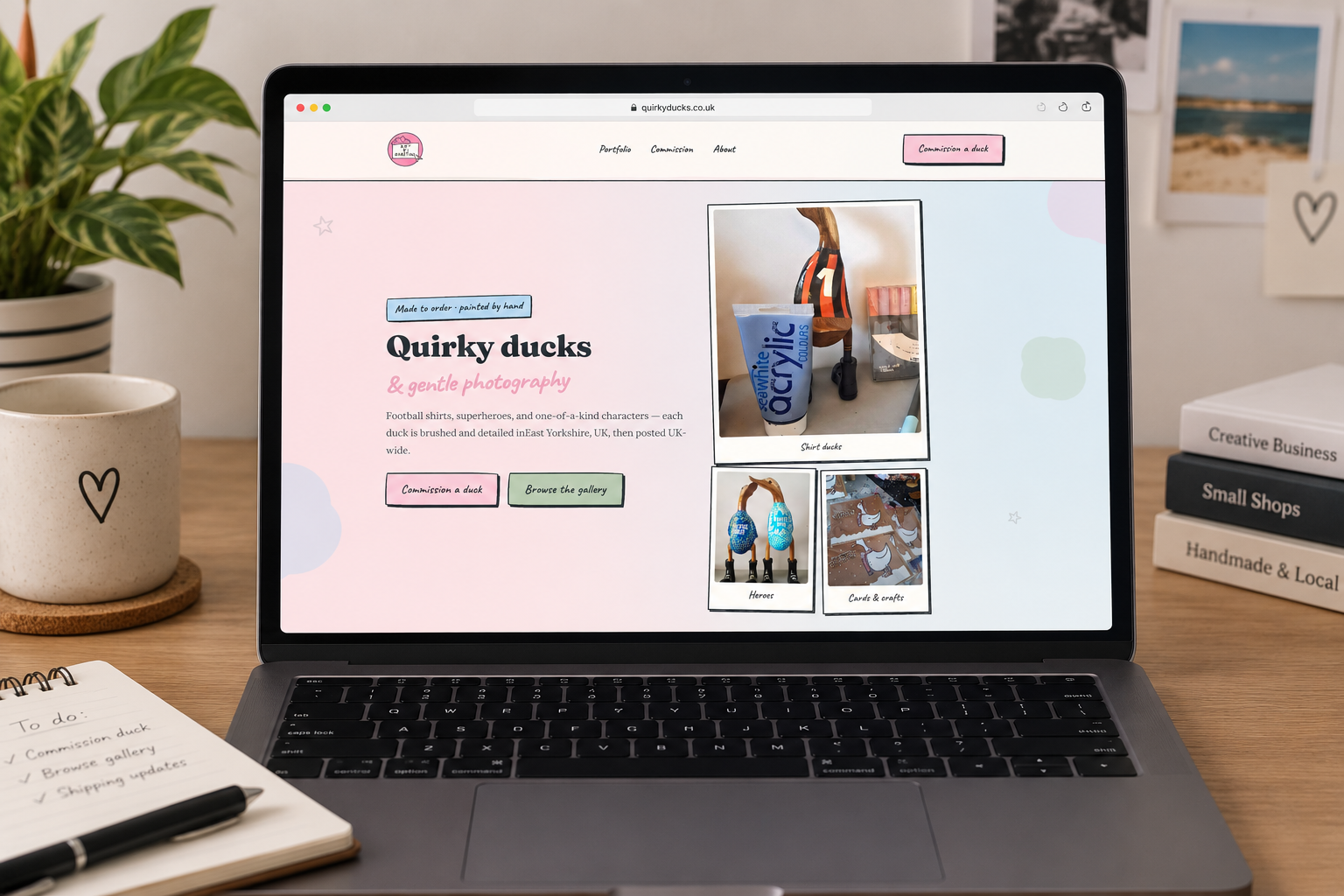
A second image further down — useful for comparing two builds or showing mobile vs desktop:
Use figures with captions when you want to credit a source or explain what the reader is looking at:
Video in a post
For short demos (UI motion, a deploy walkthrough, or a screen recording), HTML5 video works inside Markdown on this site. Wrap it in a figure so the caption sits in the same “window” frame as images:
src for your own MP4 in public/video/ when you publish a real demo.Swap the sample URL for something like /video/my-demo.mp4 once you host the file under public/.
Drafts and publishing
Set draft: true in frontmatter while you are still writing. Draft posts are excluded from the blog index and from static paths, so they will not appear on the live site until you remove the flag or set it to false.
Optional updatedDate is shown on the post when you make substantial edits after the first publish.
Why this scales
Static output keeps hosting simple (upload dist/ to 20i and done). Collections give you a single source of truth per post, type checking on metadata, and room to grow — RSS, tags pages, or cross-linking posts to case studies later — without migrating off Markdown.
If you are maintaining a similar site, invest in the schema early (title, description, pubDate, tags, image, draft) and keep the body free for long-form writing, images, and the occasional video embed.